
All your competitors in one place
Discover who sells similar products, how they position offers, and where new opportunities emerge.
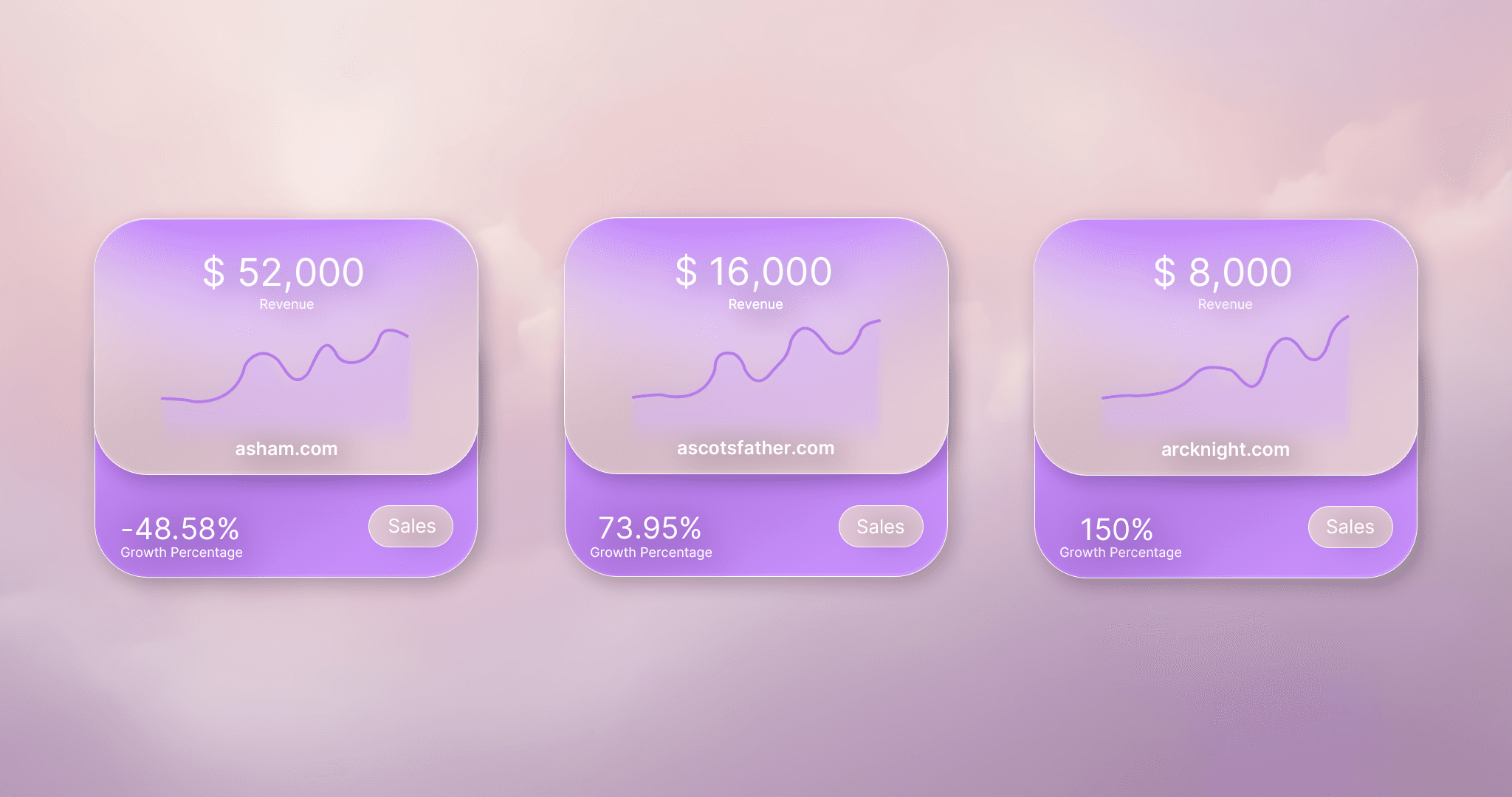
Pick the shops that actually resemble yours, then watch revenue, visitors, orders and bestsellers move. The direction is the part you can act on.
Track Shops gives you actionable competitor data so you can identify opportunities, react faster, and protect your margins.
Discover who sells similar products, how they position offers, and where new opportunities emerge.
Monitor store-level momentum and adapt before markets get saturated.
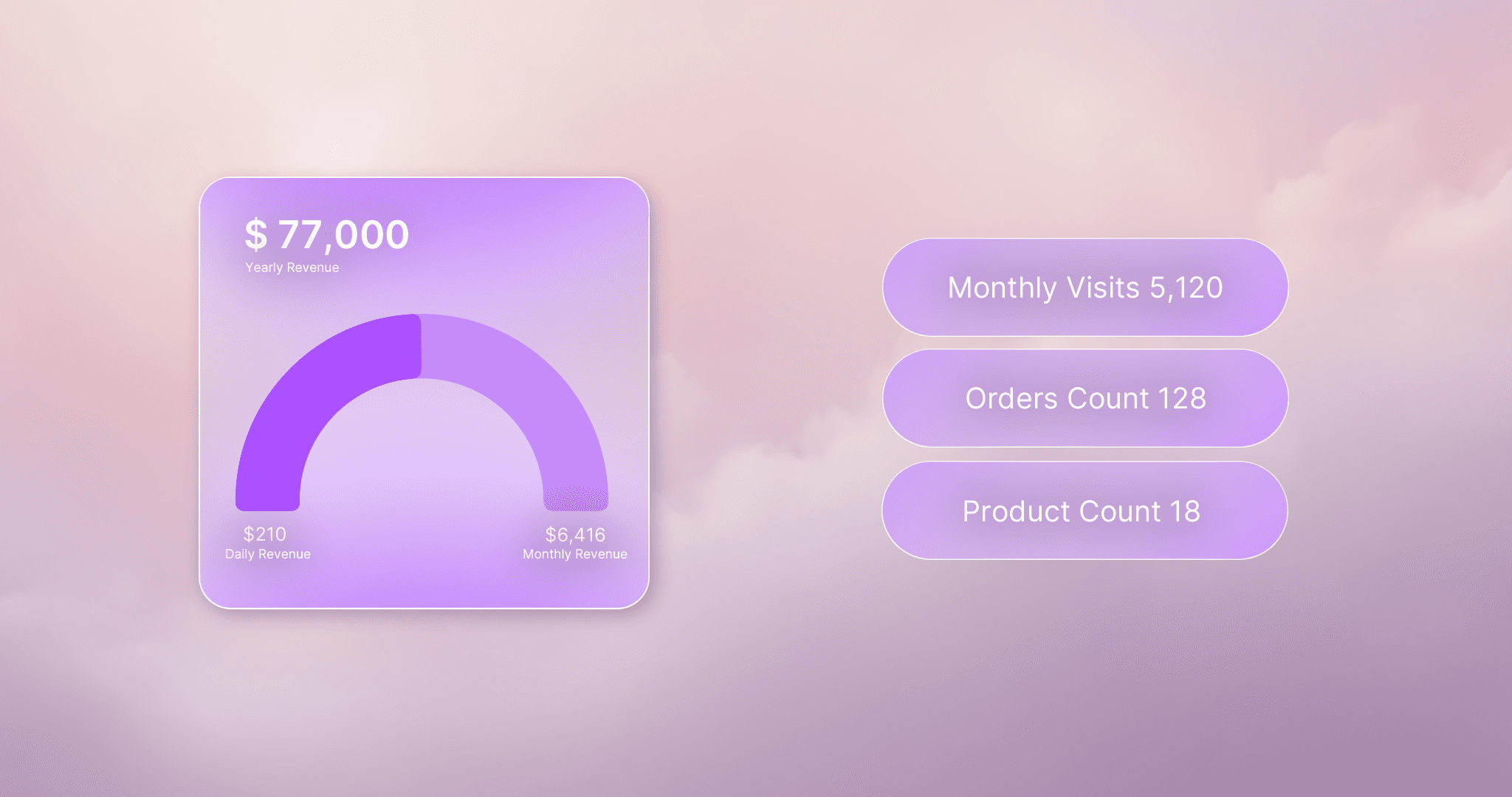
Filter products by price, creation date, image count, and other signals to pinpoint stores worth tracking.
Build better strategy with filters, store insights, and search presets that help you move faster.
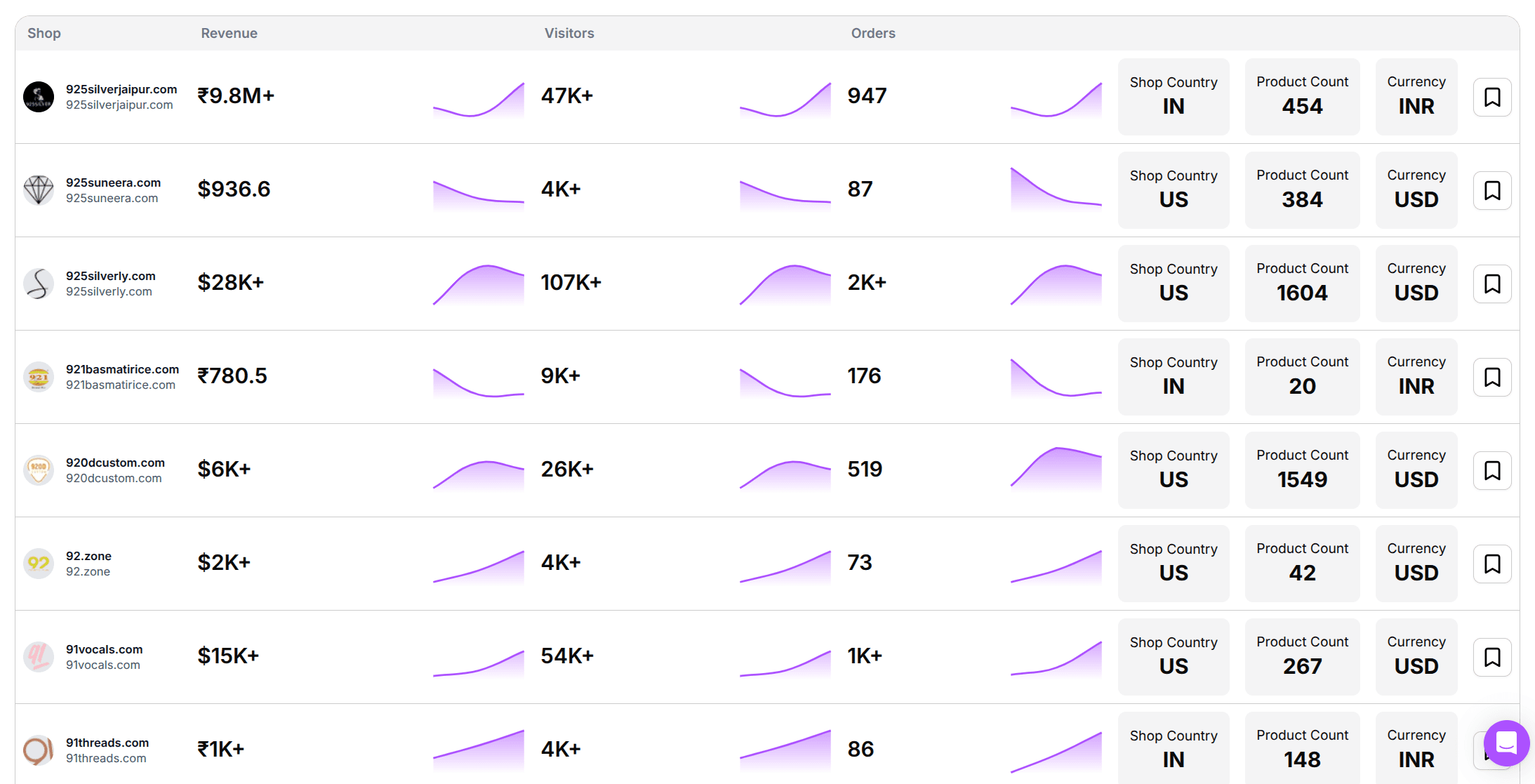
The first decision is not which number to look at, it is whose number. A shop many times your size sells to a different audience with a different budget, so its curve says nothing about how yours would behave. Keep the stores in your price range and your niche: those are the ones whose decisions you could copy this month.
Most people arrive at a store through a product. You spot something while researching, you want to know who is behind it, and the shop is the answer. Filter by price, creation date and image count to work back from a listing to the stores carrying it, then keep the two or three that look properly run.
Keep the watchlist short enough that you actually read it. A small list you open every week is worth more than a long one you built once and never returned to. When a shop stops moving for a long stretch, take it off and put a fresher one in its place.
A single revenue figure says almost nothing on its own. It only becomes readable next to last week's figure: the information sits in the gap between two readings, not in the reading itself. That is also why the order in which you go through the numbers matters.
Start with the revenue development and ask whether the shop is growing at all. Move to visitor numbers next: is the growth coming from more people, or from the same people? Then the order count, which tells you whether more people bought or the same buyers spent more. The bestsellers come last, because they name the product carrying everything you just read.
Read revenue and visitors together, never apart. If visitor numbers double while revenue stays where it was, every visitor is now worth half of what it was before, which usually means traffic bought too broadly rather than a store taking off. Revenue climbing on flat visitor numbers is the opposite story: the same audience is buying more often, or paying more.
Where the visitors come from is the signal that explains the rest. A shop living on search built its traffic slowly and keeps most of it when it stops spending; one living on paid social rents its traffic and loses it the day the budget stops. Two stores with the same revenue curve are worth copying to very different degrees, purely on that split.
With bestsellers, what counts is how long they stay up there. A product that holds the top for several weeks in a row is genuinely carrying the store; a list that reshuffles completely every week belongs to someone who is still testing. You can learn from the first case, while the second one is not yet anybody's result.
The expensive mistake is acting on a single reading. You see a product in the catalogue, order samples, build the page, and only then notice it never made the bestsellers even in the store you copied. Read the direction, not the decimals: these numbers are observed from the outside, not taken from the shop's books. For deciding whether a store is growing and what drives it, direction is enough.
You add the storefront you want to follow and Droplink records what it shows over time: revenue development, visitor numbers, orders, bestsellers and where the traffic comes from. You need no access to the shop and no relationship with its owner, because all of it is read from the outside rather than from the shop's own books. If you have no specific store in mind yet, start from a product and use the search filters to find the shops selling it.
One reading is a photograph, and you need several before you have a direction. Give a store a few weeks of uninterrupted tracking before you draw a conclusion from it. Be suspicious of a single sharp week: a launch, a discount or one video can lift a shop for days without changing anything underneath. What you are looking for is a level that holds after the spike has passed.
Product research asks what is selling somewhere. Tracking asks what one specific business is doing, in what order, over time. Research hands you candidates; a tracked store gives you the context around a candidate, such as how the product sits inside a catalogue and whether the shop kept growing after adding it. Most people use them in that order.
Fewer than you would expect, and each one for a reason you can name. A useful list has one shop clearly bigger than yours to show where the niche is heading, a couple of roughly your size for a realistic comparison, and one newcomer to see what a fresh entrant tries. Anything beyond that turns into a feed you scroll instead of a list you read.
Track competitors, validate product momentum, and make faster decisions without guessing what is actually working.


Stay one step ahead of your competition!
Free Tools
Resources
© 2026 Droplink
drop-link.io